
Telegram Reminder Bot · Free · AI-Powered · Voice + Recurring + CountdownNever Forget Anything. Ever.
Send a voice or text message to Telegram. The AI creates your reminder instantly.
Free. No signup. Works instantly.

- 10K+total users
- 1.5Kmonthly active users
- ≈4Kreminders delivered daily
How It Works
Up and running in under 2 minutes
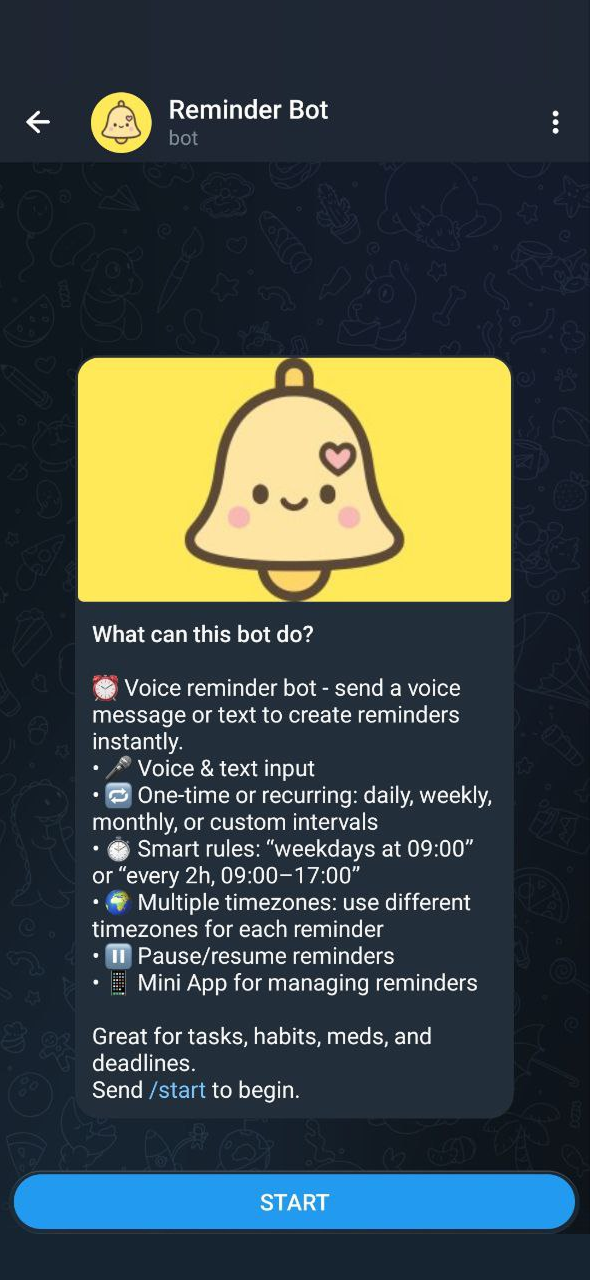
Open the Bot
Find @KindlyRemindlyBot in Telegram and tap Start. No registration needed.
Tell It What to Remember
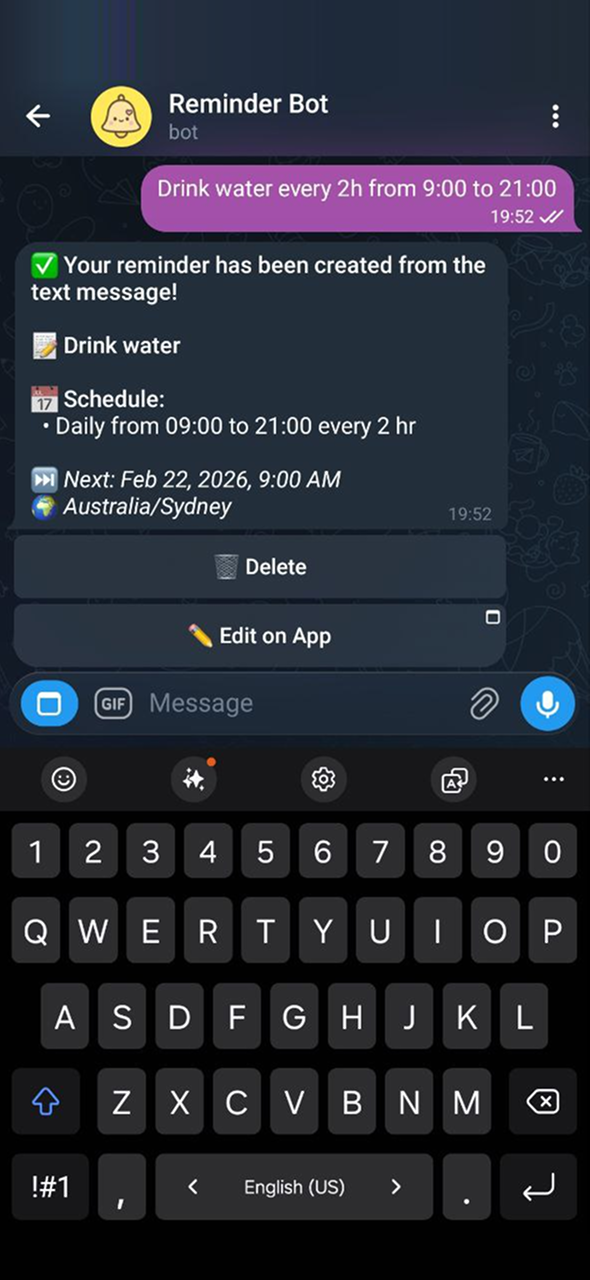
Send a voice message or type naturally. The AI understands and creates your reminder.
Get Reminded on Time
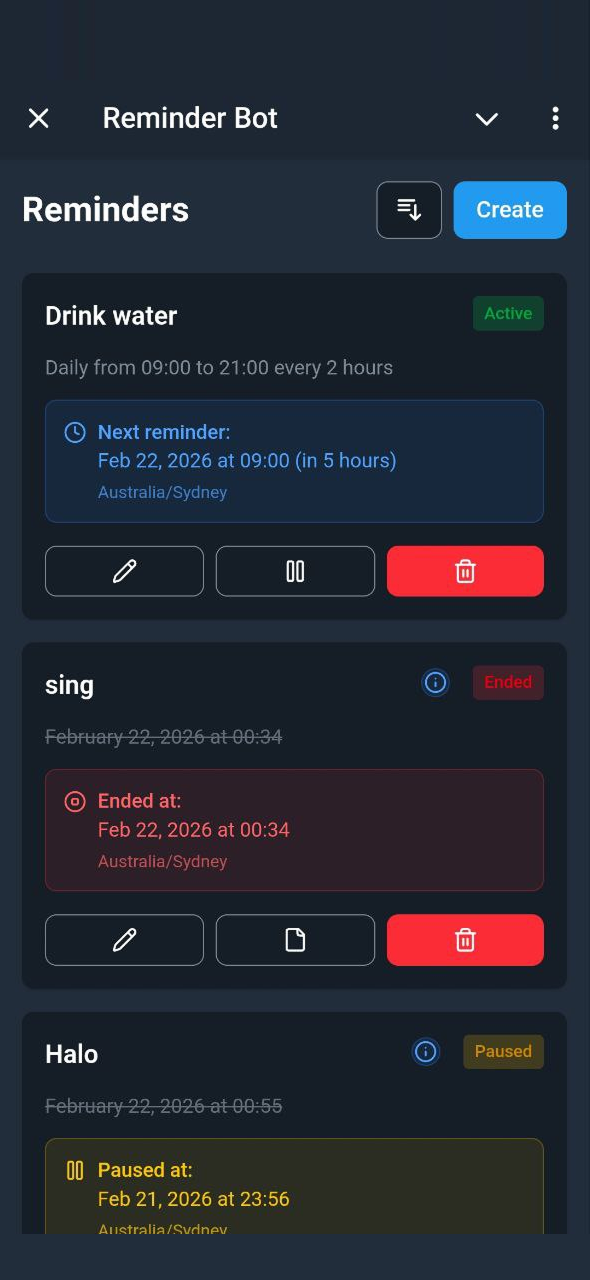
Receive a Telegram notification exactly when you need it. Manage everything from the mini app.
Why KindlyRemindly?
Built to keep you on track without getting in your way
Perfect For
Whatever you need to remember, KindlyRemindly handles it
Work
Team standups every weekday at 9:00, project deadlines, follow-up emails, meeting prep.
"Standup every Mon–Fri at 9:00"
Health & Meds
Take medication on time, track doctor appointments, schedule health check-ups.
"Take pills at 8:00, 14:00, 20:00 daily"
Habits
Build routines: drink water, exercise, read, meditate. Set interval reminders throughout the day.
"Drink water every 2h from 9:00 to 21:00"
Bills & Deadlines
Never miss rent, subscriptions, tax deadlines, or renewal dates again.
"Pay rent on the 1st of every month"
Birthdays & Anniversaries
Never miss an important date. Get a daily countdown ("30 days until Mom's birthday") and a reminder right on the day.
"Remind me 30 days before Mom's birthday, yearly"
Reminders for Your Whole Group
Add the bot to any Telegram group and share reminders with everyone — chores, standups, deadlines, all in the chat.
- Shared reminders fire right in the group chat
- Admin controls for who can create them
- Works in groups, supergroups, and forum topics
Frequently Asked Questions
Is KindlyRemindly free?
Yes, KindlyRemindly is completely free to use. All features (voice reminders, complex schedules, multiple timezones, and the mini app) are available at no cost.
How do I start using it?
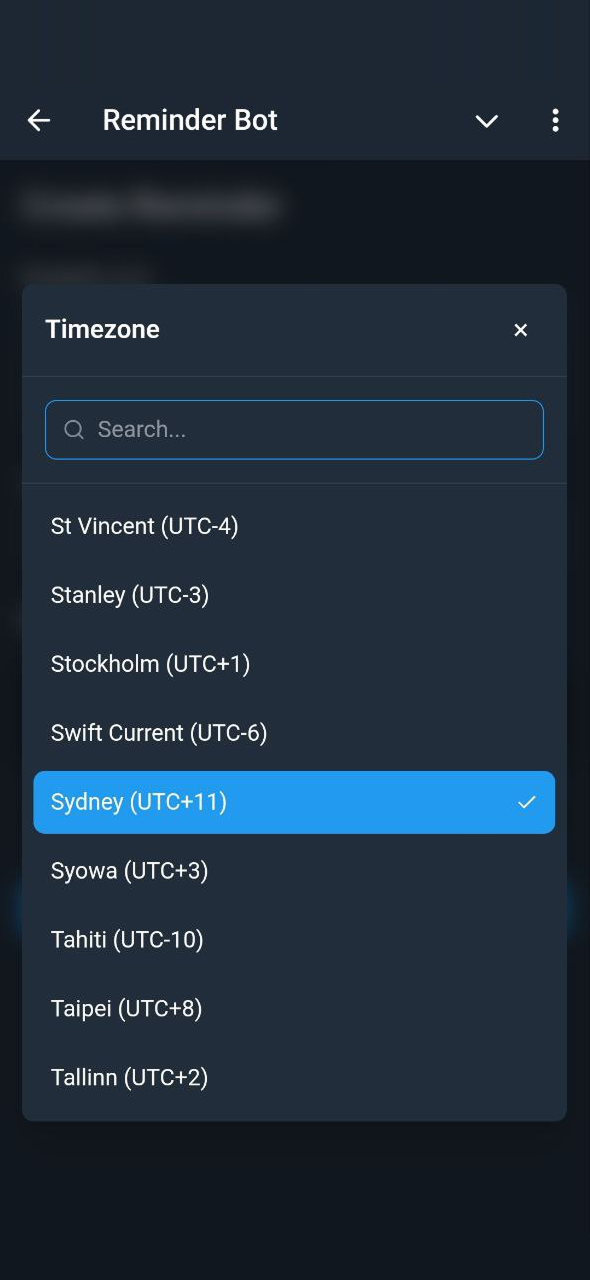
Open Telegram, search for @KindlyRemindlyBot, and tap Start. Set your timezone with /timezone and you're ready to create reminders with voice or text messages.
Can I set recurring reminders?
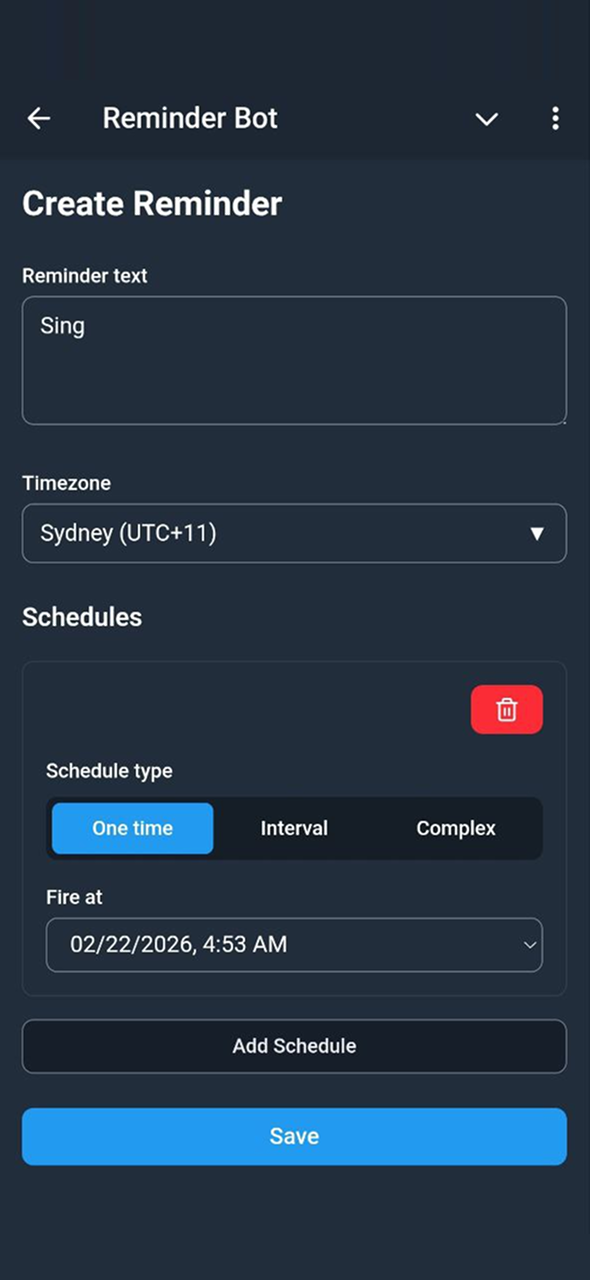
Yes. KindlyRemindly supports daily, weekly (specific days), monthly (specific dates), yearly, interval-based (every N hours/minutes/days), date ranges, and even time windows with repeating steps like "every 2 hours from 9:00 to 17:00".
Does it work with voice messages?
Yes. Send a voice note in Telegram and the AI will transcribe it, understand the intent, and create a reminder automatically. Works in English, Russian, Portuguese, Spanish, French, Uzbek, and Persian.
What languages does it support?
The bot and mini app support English, Russian, Brazilian Portuguese, Spanish, French, Uzbek, and Persian. You can switch languages anytime with the /language command.
How do I manage my reminders?
You can manage reminders in two ways: directly from Telegram notification buttons (pause, activate, delete, edit) or through the visual mini app that shows all your reminders with full editing capabilities.
Is my data private?
Your reminders are stored securely. Personal reminders are only accessible through your Telegram account; reminders created in a group chat are visible to the members of that chat. See our Privacy Policy for details on how data is handled.
Read the Privacy Policy →Can I use different timezones for different reminders?
Yes. Each reminder can have its own timezone, independent of your default timezone. This is useful if you coordinate across time zones or travel frequently.
What are Countdown Reminders?
Countdown Reminders let you set a target date (a birthday, anniversary, exam, or trip) and receive a daily notification counting down the days. You choose how far in advance to start (e.g., 30 days before) and whether it recurs yearly or every N years. On the target day itself, the event name fires without the countdown number.
Learn how countdown reminders work →Can I use it in group chats or with my team?
Yes. Add @KindlyRemindlyBot to any Telegram group, supergroup, or forum and create shared reminders that notify everyone in the chat. Admins can control who creates reminders, and each group gets its own timezone and language.
Explore group reminders →Ready to Never Forget Again?
Join KindlyRemindly, your AI-powered memory in Telegram.
Free. No signup required.